
Vector2, Vector3, Vector4
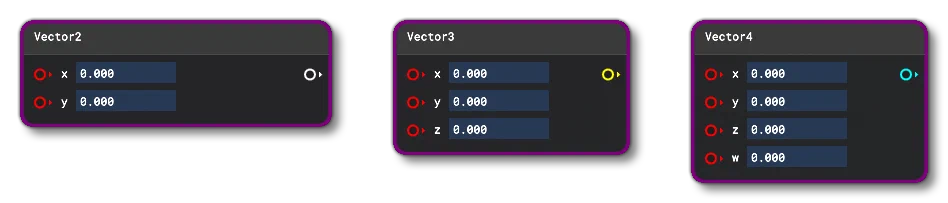
These nodes can be used to create a vectors which can contain 2, 3, or 4 values. When specifying the values for a vector, you can:
- supply the required Node Inputs and the node will output a value based on those
- add the values directly to the node input boxes
- add values through the Inspector window Properties:
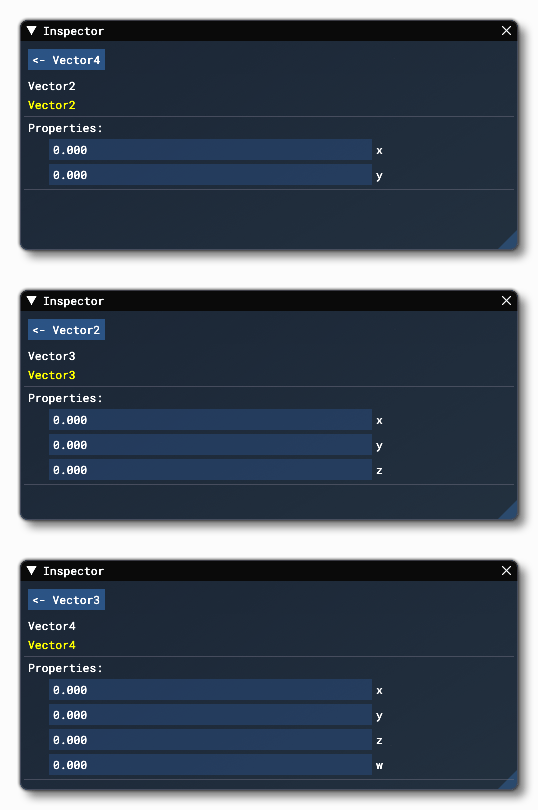
Node Inputs
This node accepts the following the input:
X
A scalar (float) input value for Vector 2, Vector 3 and Vector 4 nodes.
Y
The scalar (float) input value for Vector 2, Vector 3 and Vector 4 nodes.
Z
The scalar (float) input value for Vector 3 and Vector 4 nodes.
W
The scalar (float) input value for Vector 4 nodes.
Node Output
The node will output a vector of the same type as the node that is generating the output.
Prev
UpdateNext
VisualEffect