MODELING AIRCRAFT
This section deals with the initial modelling and texturing of the aircraft and explains all the "best practices" and the recommended workflow that should be followed to create an optimised and functional aircraft model.
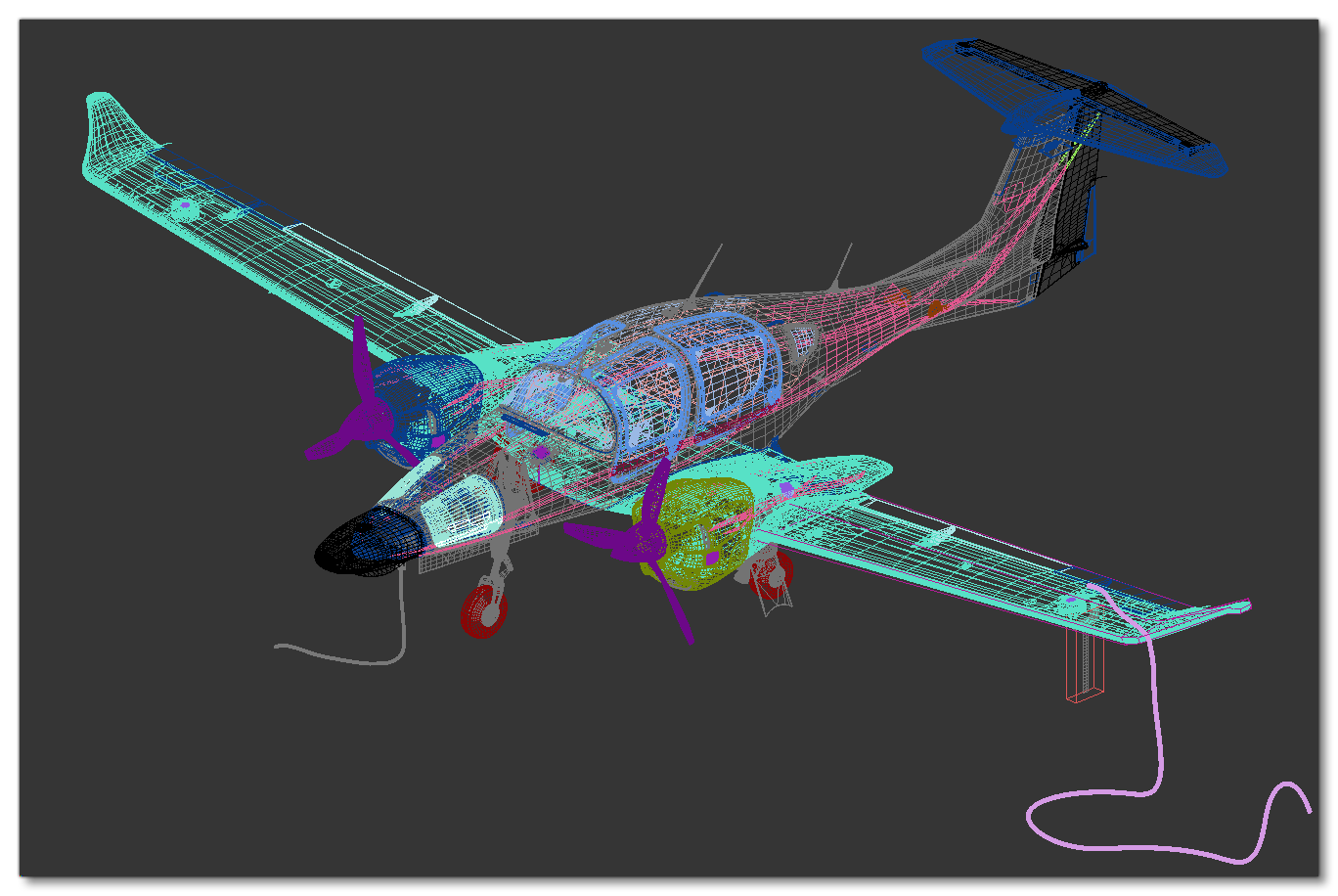
Before getting started actually creating your aircraft model there are some things you'll need to get and to do to ensure that the actual creation process goes smoothly and that the aircraft is as true to "real life" as possible when added to the simulation. You can find more information on preparing all the required information from the following page:
Once you have the details and references for the aircraft, you are ready to start modelling, but before continuing, we suggest that you take a moment to look over the general modelling guidelines presented on the following page (even though not all of them may be specifically applicable to aircraft, the page still contains valuable information that will be of help):
Finally, you can start creating the aircraft, and the sections listed below are designed to be followed one after the other and form a comprehensive approach to creating the aircraft model, texturing it, and adding the required animations.
NOTE: The images and instructions in this section are all based on using 3DS Max (see here for more details), however the concepts that are being explained can be used in most 3D modelling tools.