INTEGRATOR EXCEL FILE OVERVIEW
The Excel Integrator is a file that is supplied with the SDK and is used as part of the checklist creation process to streamline the creation of localised checklists. You can get this file here:
This file contains a User Guide with a brief overview of each of the steps used to create a checklist using the file, and then various coloured tabs, of which only those that are coloured green should be interacted with (grey colored tabs are intermediate tabs that - in most cases - don't need to be interacted with):
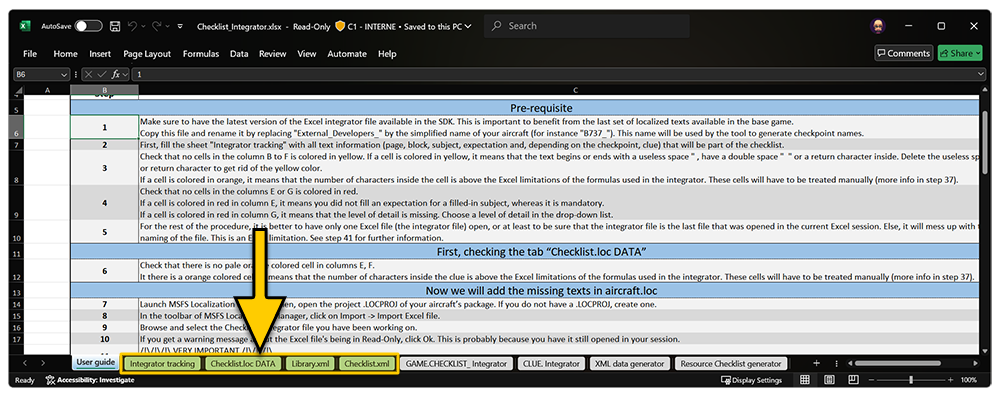
The important tabs are as follows:
-
Integrator Tracking
This tab is where you will enter all text related to the various checkpoints. It is also here that you must define the level of detail for each checkpoint.
-
Checklist.loc DATA
This tab stores the content of the
Checklist.locfile, so that the integrator can check that the text you want to use already exists in the simulation base file or not. It is important to work with the latest version of the Integrator Excel File available in the SDK as it guarantees the benefits from the latest additions to theChecklist.locfile. -
Library.xml
This tab is where you will be able to collect the XML code used to populate your aircraft's checkpoint library file.
-
Checklist.xml
This tab is where you will be able to collect the XML code used to populate your aircraft's checklist file.
Known Limitations
- The integrator Excel file uses functions that are available in Microsoft Excel 365. Some of these functions may not be available in other versions of Excel, or in other spreadsheet programs.
- The integrator Excel can support approximately 1000 checkpoint definitions. If you need to make more checkpoints than this number, you will need to extend some of the formulas used in the different sheets.
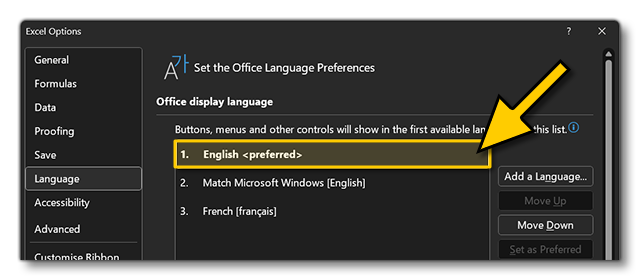
- The integrator Excel was developed to implement a checklist using the English(US) language. If you wish to work in another language as your base, you will need to manually adjust the file contents.
For full details of how to use this file, please see the following page: